
Introduction to Google ads and the role of Google adwords planner
In the digital age, online advertising has become an essential tool for businesses to reach their target audience. Among these, Google Ads is a powerful platform that allows businesses to showcase their products or services directly to potential customers. To run a successful campaign, Google AdWords Planner (now known as Google Keyword Planner) plays a crucial role in keyword and budget planning.
This article will guide you step-by-step on how to use Google AdWords Planner to run effective Google Ads campaigns, helping you increase conversion rates and save on costs.
What is Google adWords planner?
Understanding Google AdWords Planner
Google AdWords Planner is a free tool within Google Ads that helps users research keywords, forecast traffic, and plan budgets. This tool provides detailed data on:
-
Monthly search volume: How many times a keyword is searched on Google.
-
Competition level: How difficult it is to rank highly for the keyword.
-
Cost-per-click (CPC): The average price you’ll pay per click.
At Dali Agency, we regularly use Google AdWords Planner to build effective keyword strategies that ensure ads are targeting the right audience. For example, if you’re in the fashion industry, this tool can help identify high-volume, cost-effective keywords like “women’s stylish clothes” or “buy sneakers.”
Why Is Google adwords planner important?
Using Google AdWords Planner not only saves time but also increases campaign effectiveness. This tool supports:
-
Keyword optimization: Find keywords with high search volume but low competition.
-
Budget forecasting: Estimate the cost to achieve your desired ad placement.
-
Competitor analysis: Understand how competitors are using keywords to gain an edge.
According to Dali Agency, ignoring Google AdWords Planner could result in wasted budget on ineffective keywords and a reduced return on investment (ROI).
How to use Google adwords planner effectively
Step 1: Access Google ads planner
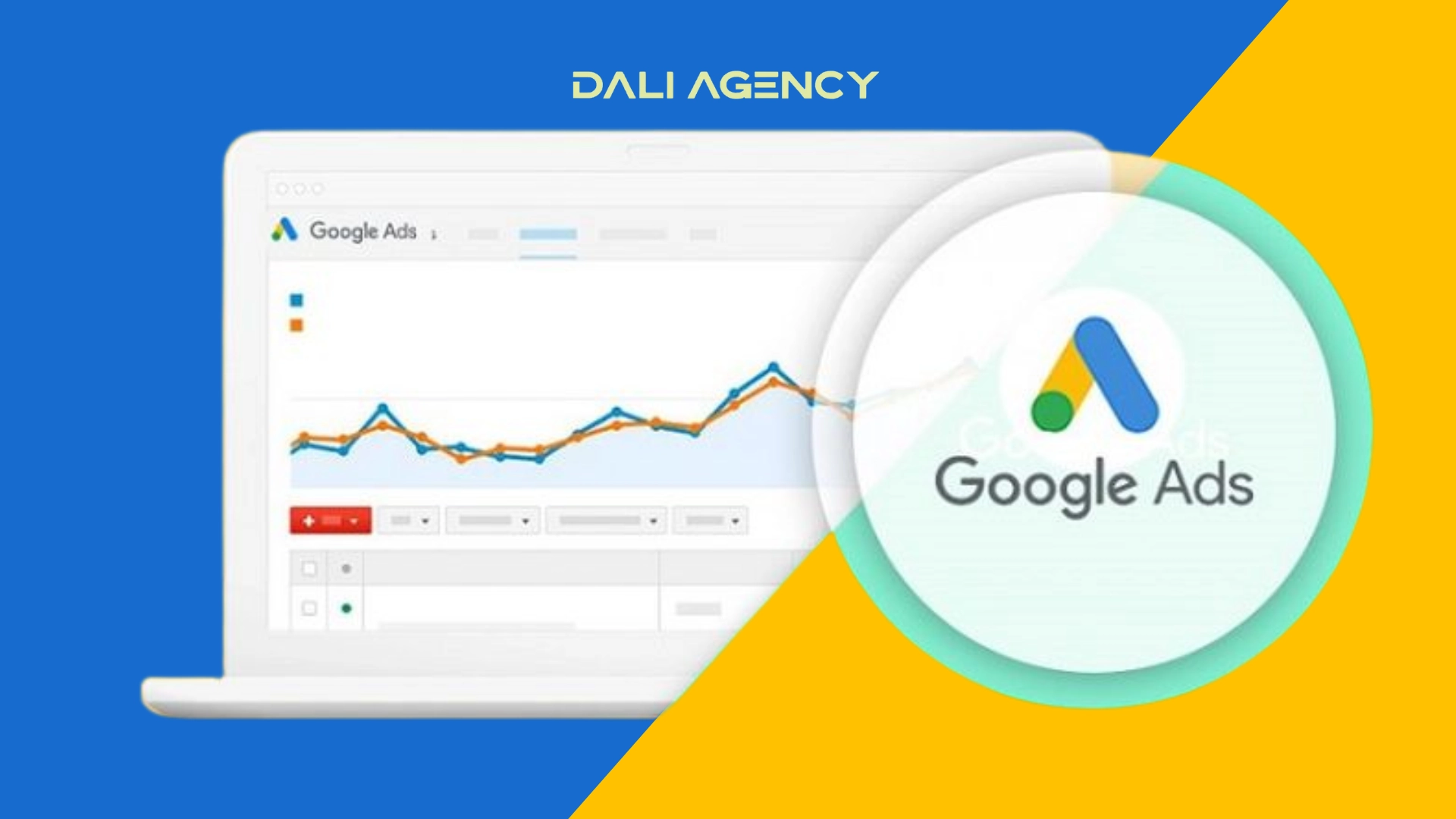
To get started, you need a Google Ads account. After logging in, go to “Tools and Settings” and select Keyword Planner. The user-friendly interface offers two main options:
-
Discover new keywords: Get keyword ideas based on your product/service or website.
-
Get search volume and forecasts: View traffic data and costs for a keyword list.
Dali Agency recommends entering your business website so the tool can suggest highly relevant keywords that align with your business goals.
Step 2: Conduct keyword research
Enter a seed keyword (e.g., “Google advertising”) or a competitor’s URL. Google Ads Planner will return a list of related keywords, along with data on search volume, competition, and CPC. Some tips from Dali Agency:
-
Choose long-tail keywords like “how to run effective Google Ads” to lower competition and increase conversions.
-
Filter by location if you’re targeting customers in a specific area such as Hanoi or Ho Chi Minh City.
Step 3: Plan your budget
After selecting keywords, use the Forecast feature to estimate costs and performance. The tool shows expected clicks, impressions, and estimated costs. Dali Agency often advises clients to start with a flexible budget, beginning with a small amount for testing before scaling up.
Step 4: Optimize your campaign
Based on the data from Google AdWords Planner, you can:
-
Create ad groups: Group similar keywords together (e.g., “affordable Google ads” and “Google advertising service”).
-
Write compelling ads: Incorporate keywords into headlines and descriptions to boost Quality Score.
-
Track performance: Use Google Analytics to measure click-through rates (CTR) and conversions.
Dali Agency has helped many businesses increase CTR by up to 20% simply by optimizing keywords and ad content using Google Ads Planner.
Benefits of running Google ads with Dali Agency
Hands-On Experience
Dali Agency is a trusted name in digital marketing, especially Google advertising. With an experienced team of experts, Dali Agency not only uses Google Ads Planner but also combines it with other analytical tools such as SEMrush and Ahrefs to maximize campaign performance. Key benefits of working with Dali Agency include:
-
Personalized strategy: Each business gets a tailored advertising plan based on its industry and goals.
-
Cost optimization: Minimize budget waste by selecting high-performing keywords.
-
Transparent reporting: Receive detailed weekly/monthly performance reports.
Common mistakes to avoid when using Google adwords planner
-
Using overly broad keywords: Terms like “advertising” can be expensive and not well-targeted.
-
Ignoring local keywords: If you serve a specific area, include the location in your keyword (e.g., “Google Ads in Miami”).
-
Not tracking conversions: Without customer behavior data, your campaign’s effectiveness may decline.
Dali Agency emphasizes the importance of continuous data analysis to adjust strategies in real time.
Conclusion
Running Google Ads is a powerful strategy to reach customers, but success requires tools like Google AdWords Planner and a well-crafted plan. With the right support, your business can optimize ad campaigns, boost conversion rates, and achieve marketing goals. Start by conducting thorough keyword research, creating a reasonable budget, and constantly testing to improve performance.
If you need expert assistance, reach out for a free
