
Running video ads on Facebook is becoming an essential tool for reaching potential customers and increasing brand engagement. When creating Facebook video ads, it’s important that the content is engaging and captivating. To run effective video ads on Facebook, you need to master optimization strategies and understand your target audience.
Dali Agency proudly offers high-quality Facebook video ad services, helping you achieve the best results. With the support of our expert team, you will see noticeable improvements in your Facebook video ad campaigns. First, let’s dive into the details of this advertising format in the following article!
Do you know: What are Facebook video ads?
Running video ads on Facebook is a method of reaching potential customers by using short, engaging videos to deliver advertising messages. Creating Facebook video ads requires creativity and a deep understanding of how users interact with content on this platform.
Not only helps increase brand awareness but can also drive specific actions from viewers, such as making purchases, signing up for services, or participating in online events.
Display positions
Running video ads on Facebook provides various display positions to ensure your content reaches the right audience. Common display positions include:
- News feed: This is the main display position on the user’s homepage, where ads easily attract attention. Video ads appear between posts from friends and pages users follow, increasing the chances of being viewed.
- Stories: Ads appear between stories from friends and followed pages, with short durations but high effectiveness. This is a good way to reach users quickly and naturally.
- In-stream videos: Ads appear in the middle or at the end of videos that users are watching. This position helps reach users when they are focused on the video content, increasing the likelihood they will watch and engage with the ad.
Ad objectives
When running ads, determining specific goals is a key factor in the effectiveness of the campaign. Common goals include:
- Increase brand awareness: Help more people become aware of your brand by reaching a large audience on Facebook.
- Increase engagement: Encourage users to like, comment, and share your video, creating natural viral growth and increasing interaction.
- Drive action: Call on viewers to take specific actions such as making a purchase, signing up, or downloading an app. Video ads often come with clear calls-to-action buttons to help convert viewers into potential customers.
What are the benefits of running Video Ads on Facebook?
The reason why more and more businesses are choosing to run video ads is because of the many notable benefits, such as:
Increased reach & engagement
Is an effective way to increase reach and engagement with customers. Facebook video ads not only capture attention but also encourage action from viewers, boosting the effectiveness of advertising campaigns.
Videos are more engaging than static images
Facebook video ads have the ability to attract viewers more effectively than static images. Running video ads on Facebook helps convey messages in a more vivid and visual way, increasing the likelihood that users will interact with your content.
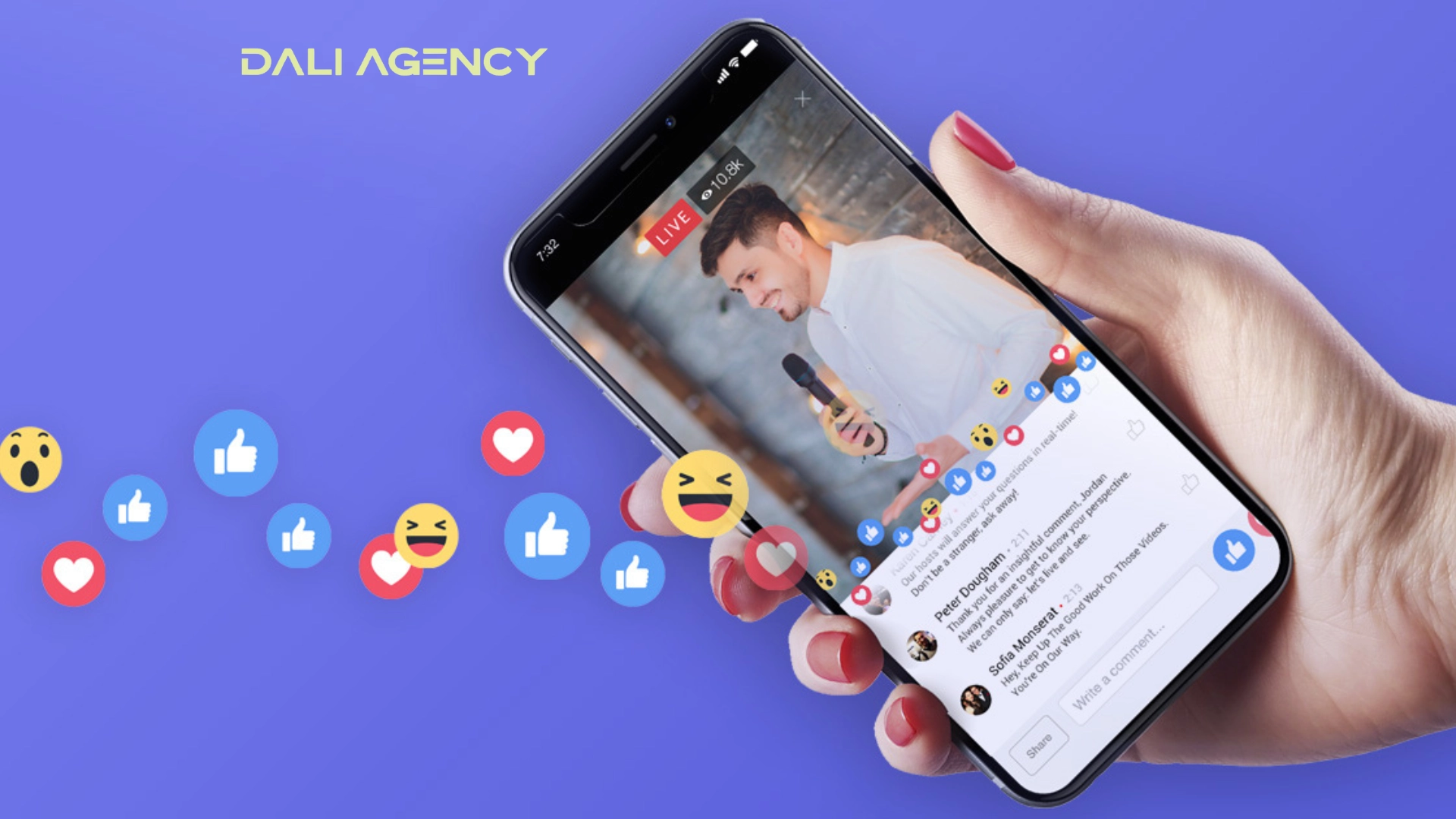
Videos create movement, making the content more lively and memorable. Music and voiceovers in the video can evoke strong emotions, encouraging viewers to take action. Additionally, videos allow for storytelling, which helps create a deeper connection with the audience.
Increased engagement levels
Running video ads on Facebook not only helps increase reach but also enhances engagement with users. Running effective video ads on Facebook requires engaging content and optimized strategies. Videos typically generate more comments and shares compared to static image posts.
Users tend to spend more time watching videos, which increases the time spent interacting with the brand. Call-to-action buttons in the video help guide viewers to take the next steps, such as making a purchase or signing up for a service.
Building a strong brand
Running video ads on Facebook is an optimal method for building a strong brand. Facebook video ads not only help you reach the right audience but also create a professional image and increase trustworthiness.
Professionalism for your business
Running effective video ads on Facebook helps build a professional image for your brand. Facebook video ads with sharp visuals, vibrant sound, and engaging content will highlight your product or service, with:
- Sharp visuals: Use high-quality images and videos to create a strong impression.
- Vibrant sound: Combine suitable music and voiceovers to enhance persuasiveness.
- Engaging content: Create valuable and interesting content that captures and retains viewers’ attention.
Increasing trustworthiness
Running Facebook video ads not only helps build an image but also boosts the credibility of your brand. An effective Facebook video ad needs to deliver a clear, authentic, and persuasive message, specifically:
- Clear message: Convey your message in an easy-to-understand and consistent manner.
- Authenticity: Create a sense of authenticity and relatability, helping to build trust with customers.
- Persuasiveness: Use persuasive elements to encourage action from viewers.
Tips for running effective Facebook Video Ads
Running video ads on Facebook can be a powerful way to enhance brand presence and attract customers. Below is a step-by-step guide to help you run Facebook video ads effectively.
Accessing Facebook Ads manager
Facebook Ads Manager is the platform where you can easily create and manage your ad campaigns efficiently. Make sure you are logged into your Facebook account and have access to Ads Manager before proceeding.
Step 1: Log into Facebook
- Open Facebook in your web browser.
- Log into your Facebook account.
Step 2: Access Facebook Ads Manager
Option 1: Using the main menu
- After logging in, click on the “Menu” icon (three horizontal lines) in the upper right corner of the Facebook homepage.
- In the dropdown menu, find and click on “Ads Manager.” You may need to scroll down or look under “See More.”
Option 2: Direct access
- You can access Facebook Ads Manager directly by using the following link: Facebook Ads Manager.
- If you are not logged in, the system will prompt you to sign in before proceeding.
Step 3: Get Familiar with the Interface
- Main dashboard: Once inside Ads Manager, you’ll see an overview of your campaigns, ad sets, and individual ads.
- Campaigns tab: View and manage your current ad campaigns and make necessary adjustments.
- Ad sets tab: Control your ad groups, define target audiences, and allocate budgets.
- Ads tab: View and edit individual ads.
Step 4: Manage and Optimize
- Create a campaign: Click the “Create” button to start a new ad campaign.
- Monitor performance: Use analytics and reporting tools to track ad and campaign performance.
- Edit ads: Make necessary adjustments to your ads directly from the Ads Manager interface.
Creating an ad set
Once you’re ready to run video ads on Facebook, the next step is to create an ad set to optimize distribution and target the right audience. This is where you decide how to approach users to ensure your ad performs at its best.
Define your target audience
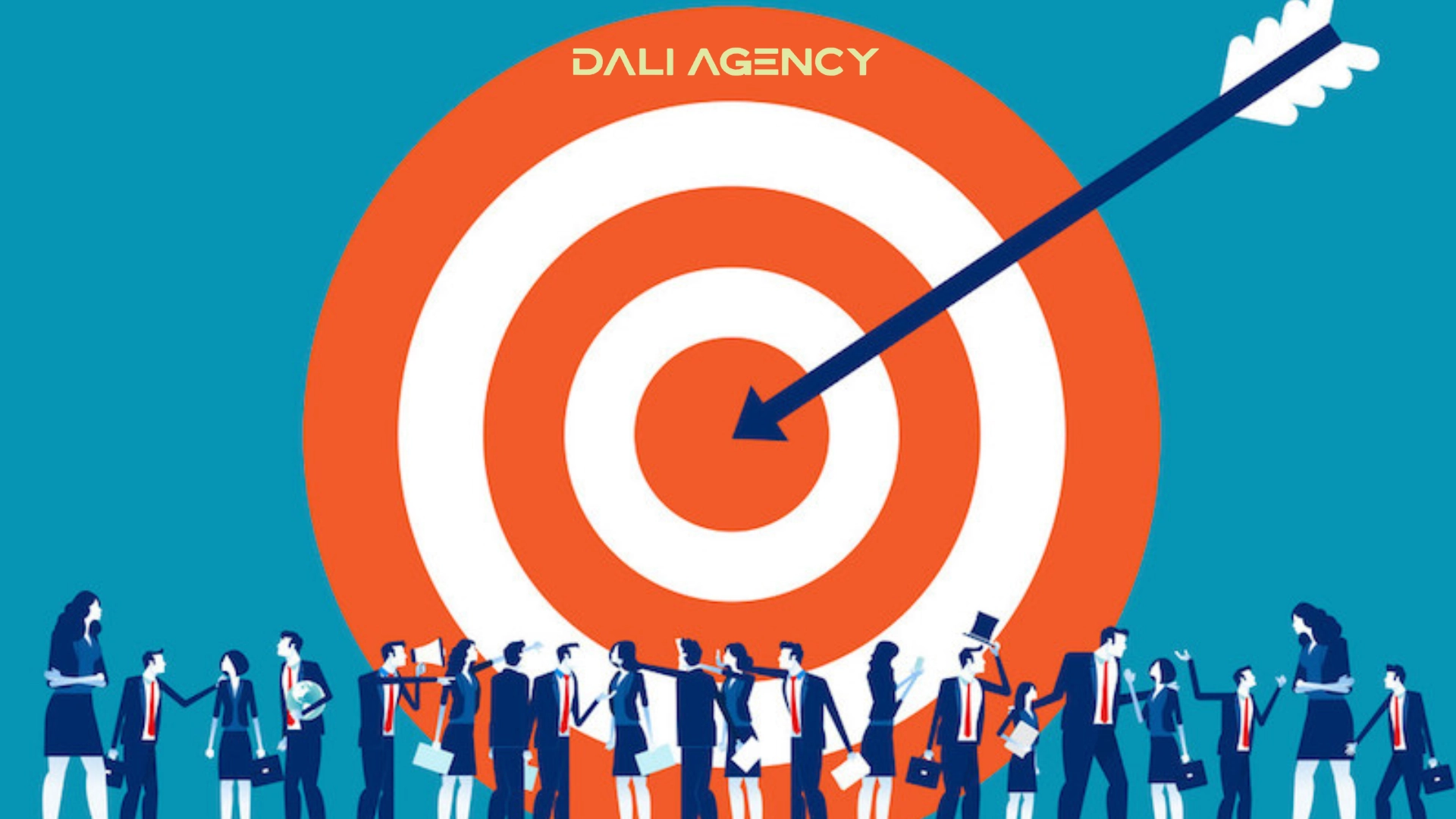
To run effective Facebook video ads, defining your target audience is crucial. You need to set specific criteria to ensure that your video ads are shown to people most likely to be interested.
- Demographics: Include age, gender, and location.
- Interests: Select interests related to your product or service to enhance the effectiveness of your ad.
- Behaviors: Consider users’ online behaviors, such as the websites they frequently visit or their online activities.
Choose ad placement
Choosing the right placement for your ads is also an important factor when running Facebook video ads. You can select different placements to ensure your ad reaches the right audience.
- News feed: Your ad will appear in the user’s timeline, capturing immediate attention.
- Story: Ads appear between user stories, providing a direct and engaging approach.
- Marketplace: Placing ads on Marketplace helps you reach users who are actively searching for similar products.
Creating an ad
Once you’ve set up your ad set, the next step in running video ads on Facebook is creating your ad. This is a crucial step to ensure that your Facebook video ad captures attention and encourages action from viewers.
Upload your video ad
Uploading your video ad is the first step to ensuring that you have a high-quality Facebook video ad. Facebook has specific technical requirements that you need to follow to ensure your video runs smoothly and achieves optimal performance.
- Video format: Facebook supports popular video formats such as MP4 and MOV.
- Video size: Ensure your video does not exceed the maximum allowable size.
- Resolution and aspect ratio: Your video should have high resolution and the correct aspect ratio for the ad placements you select.
Write an engaging headline and description
Writing an engaging headline and description is a great way to run effective Facebook video ads. Your headline and description should spark interest and encourage users to click on your video.
- Headline: Make sure the headline is concise, engaging, and includes relevant keywords. For example: “Discover Our New [Product/Service]!”
- Description: Write a detailed and compelling description that provides valuable information and encourages action. For example: “Watch this video to learn more about our [Product/Service] and get a special offer today!”
Add a suitable call-to-action (CTA)
Adding a call-to-action (CTA) button is an important element to enhance engagement and conversions in your ad. A strong CTA will guide users to take the desired action.
- CTA button: Choose a CTA button that aligns with your campaign objective, such as “Shop Now,” “Learn More,” or “Sign Up.”
- Position and design: Ensure that the CTA button stands out and is easy to spot, capturing the viewer’s attention.
Monitor and optimize
Once you have launched your Facebook video ads, monitoring performance and making necessary adjustments is crucial to ensuring your campaign achieves optimal results. Below is a detailed guide to help you effectively monitor and optimize your ad performance.
Monitor ad performance
Monitoring ad performance helps you understand how your ad is performing and whether it is meeting the set objectives. You need to focus on key metrics to evaluate the effectiveness of your campaign.
- Video views: Measure how many people have watched your video ad.
- Engagement rate: Track interactions such as likes, comments, and shares to assess viewers’ interest.
- Cost per action: Evaluate the cost spent to achieve desired actions, such as clicks or conversions.
Use Facebook pixel
Facebook Pixel is a powerful tool that helps you measure and optimize conversions from your ads. Here’s how to use Facebook Pixel to improve ad effectiveness.
Set up Facebook pixel:
- Go to Ads Manager and select “Pixel” under the “Events” section.
- Follow the instructions to create and install the Pixel on your website.
Track conversions:
- After installation, Facebook Pixel will begin collecting data on user behavior on your website, including conversions from your ads.
- View the conversion report in Ads Manager to understand the actions users take after clicking your ad.
Optimize campaigns:
- Use the data from Facebook Pixel to optimize your ads. For example, adjust your target audience, modify your budget, or test different ad variations to improve performance.
Make necessary adjustments
Making adjustments is the final step to ensure your campaign achieves optimal results:
- Adjust budget: If your ad is performing well, consider increasing the budget to expand your reach. Conversely, reduce the budget if performance is not meeting expectations.
- Optimize ad content: Based on feedback and data from Facebook Pixel, adjust your headline, description, or CTA to improve engagement and conversions.
- A/B testing: Conduct A/B tests with different ad versions to determine which version delivers the best results.
Above, Dali Agency has provided you with all the necessary information related to running video ads on Facebook, helping you understand what a video ad campaign is and how to run it effectively. We hope this will help you achieve successful campaigns with booming sales and profits.
